Examples
An idea you can start with.
Explore two projects from recorded RunWhale workflows, then copy a prompt for your own project.
Last updated:
Create an Expo project, configure your model in Settings, then send the prompt in Agent. Open Native Preview to try the result. Follow the setup guide
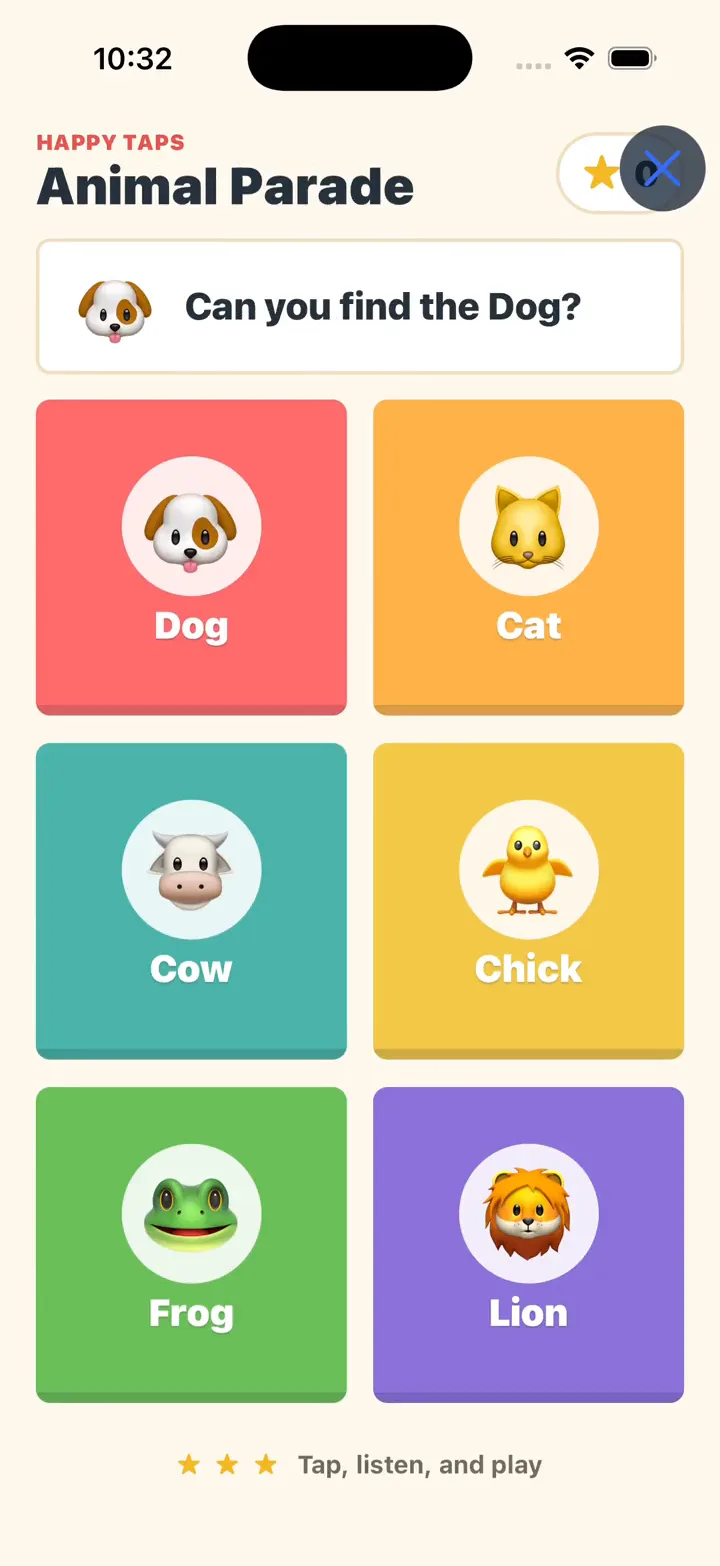
Animal Parade
Six animal cards, a friendly question, and feedback with every tap. See a short idea become a game in Native Preview.
Original demo prompt
Make a game for baby
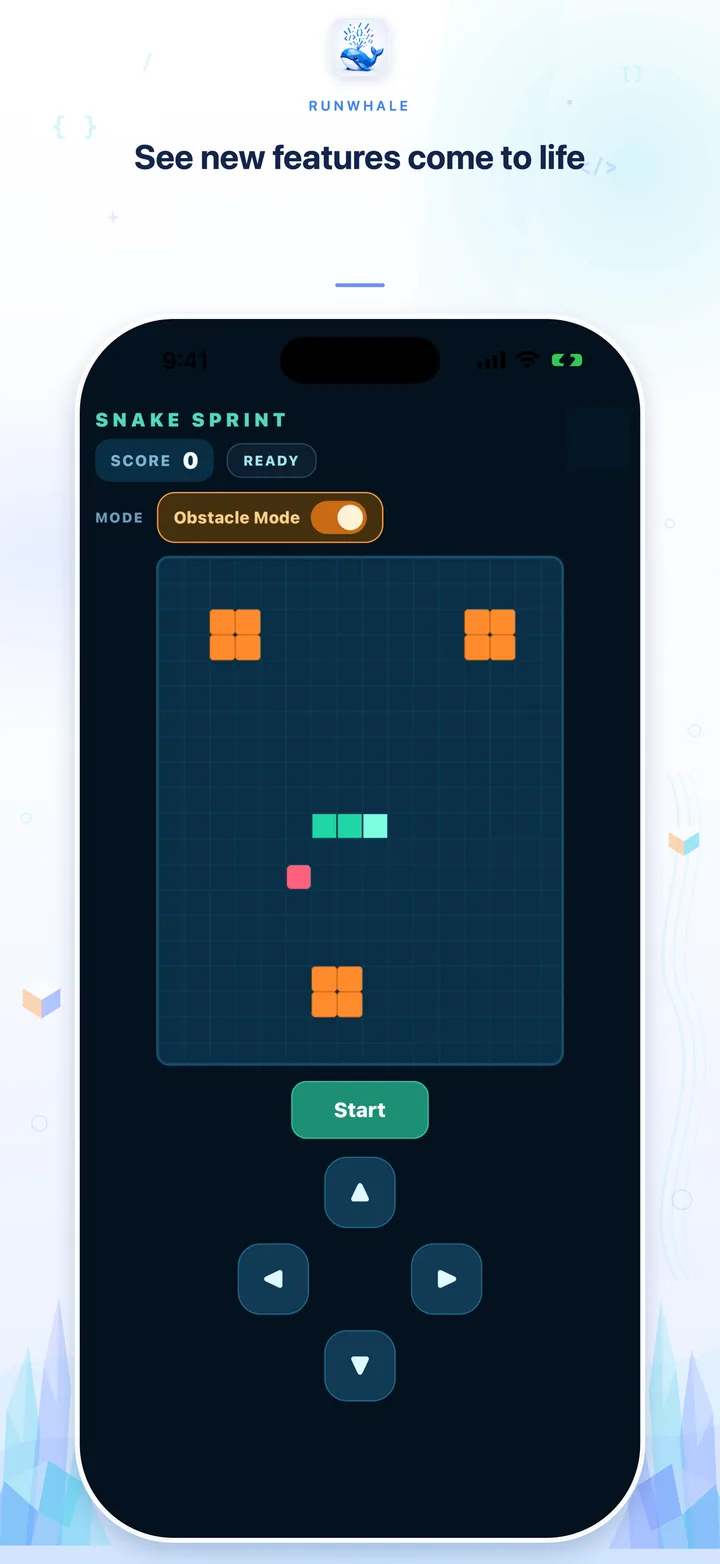
Snake Sprint
Steer with touch controls, pause a round, and try an obstacle mode added through a follow-up request.
Suggested starting prompt
Build a portrait Snake game using React Native built-ins. Add food, a live score, large touch direction controls, Start, Pause, Resume, Restart, and a game-over state. Add an Obstacle Mode toggle that restarts the round and makes hitting a barrier end the game. Keep all controls visible on a phone. Run the supported checks before I open Native Preview.
Screenshots and recordings show the existing demos. New Agent runs can produce different results; the Snake prompt below is a shorter suggestion, not the full recorded request.
What would you make next?
These are starting ideas to build yourself. Choose the indicated project type and adapt the prompt to your needs.
Your personal website
Build a responsive personal website with an introduction, three project cards, and a contact section. Use editable sample content and CSS for the layout. Make navigation work on a phone and run the supported checks before Web Preview.
A focus timer
Build a focus timer using React Native built-ins. Add adjustable focus and break durations, Start, Pause, Resume, and Reset. Show which session is active and keep all controls easy to tap. Keep the app in the foreground while timing. Run the supported checks before Native Preview.