Start a project
Create a Web or Expo project, or import a compatible Git repository.
 RunWhale
Create a Web or Expo project, or import a compatible repository. Ask RunWhale's AI coding agent to inspect and edit code, run supported checks, review Git changes, and open Web or React Native Preview. The workspace runs on your phone; model inference uses the provider you configure.
Beginner-friendly vibe coding — start with an idea and learn by building.
Free, open-source community edition
Model API key required. Provider usage is billed separately. Before you download
Workspace files and tools run on your device; model inference uses your configured provider

Projects
Agent sessions
Git
Node.js
Metro
Preview
Explore two projects from recorded RunWhale workflows, then copy a prompt for your own project.
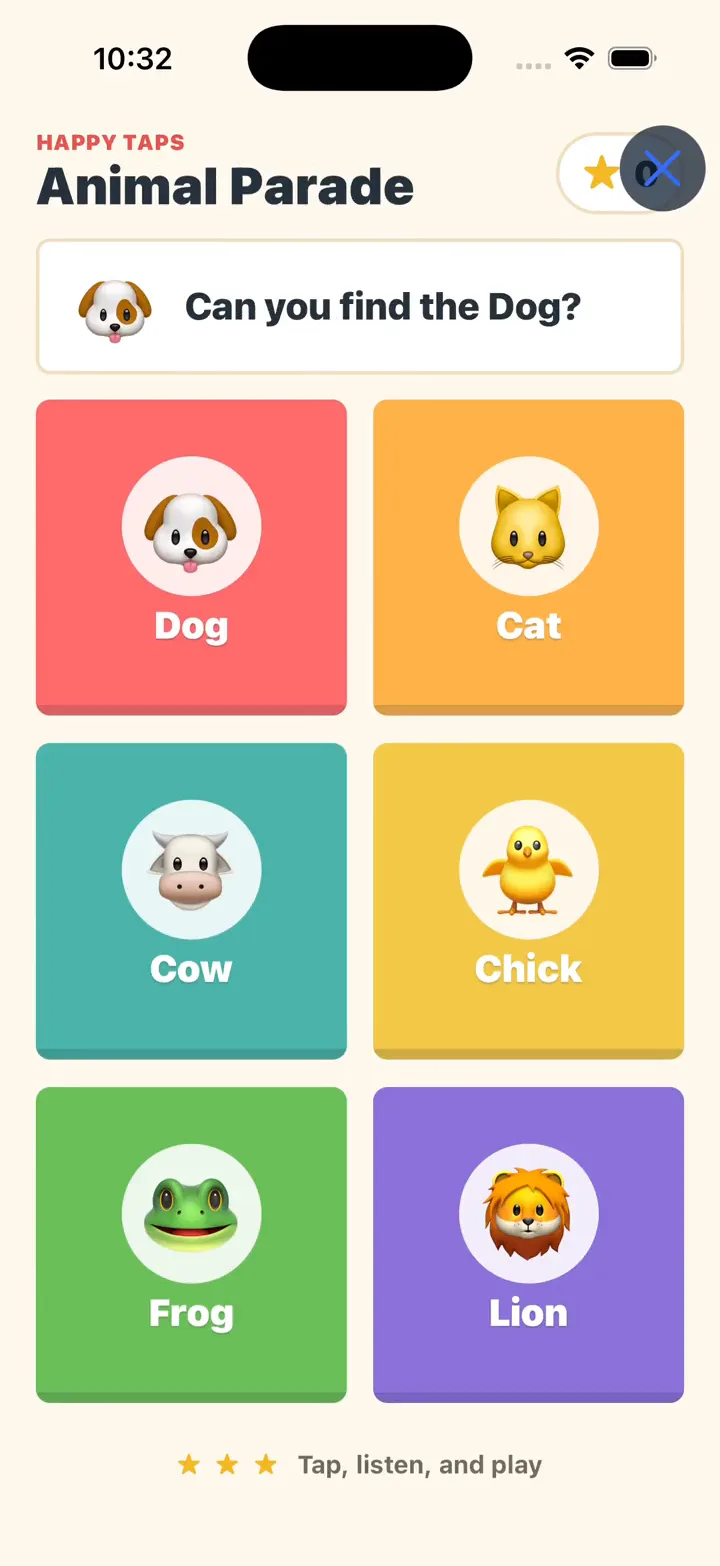
Six animal cards, a friendly question, and feedback with every tap. See a short idea become a game in Native Preview.
Explore the examples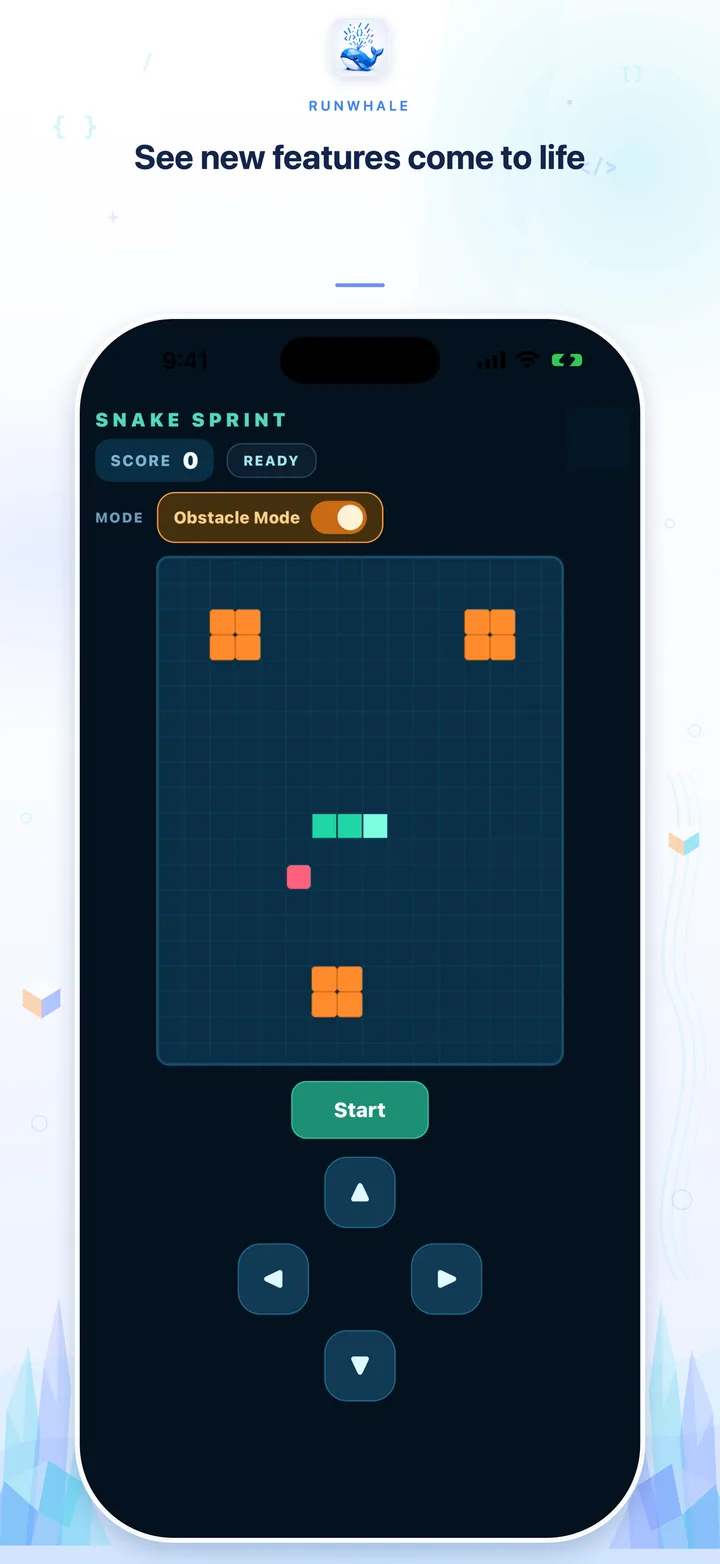
Steer with touch controls, pause a round, and try an obstacle mode added through a follow-up request.
Explore the examplesCreate a project, ask the Agent to build a cycling pelican, then preview and refine it side by side.
Start with a simple request. See the app run, try Play and Pause, then ask for a nicer design and smoother animation.
Choose Expo, name the project Pelican Ride, and open the Agent.
Describe a pelican cycling by the sea. Open Preview and try it.
Ask for a nicer look and smoother animation. Compare before and after.
Another example · Animal Parade
Create the project, send one prompt, approve the file write, follow the checks, open Native Preview, and try the game.


These six screenshots show the separate Animal Parade demo, with the original English interface. RunWhale Community Edition is free and open source. AI provider usage charges may apply.
Not a remote desktop. Not a cloud IDE. RunWhale puts a focused, controlled development environment on the device itself.
Ask it to inspect, edit, test, and repair your code. RunWhale works inside the project, not beside it.
Inspect · Edit · TestRun compatible projects in Web Preview, or preview Expo projects natively on iOS and Android—without triggering cloud builds or native builds for the user project.
Web · iOS · AndroidCore development runs on your phone. Model inference, explicit network Git operations, and uncached dependency downloads use the network.
Local tools · Connected modelsLess context switching, more forward motion. Every step stays connected inside one durable project session.
Create a Web or Expo project, or import a compatible Git repository.
Let it inspect, modify, and verify the code. Review write actions when you want control.
Start Web or Native Preview through embedded Metro and see the result immediately.
Projects, developer tools, and Preview run locally. Model inference sends your prompt and the project or session context needed to answer it to the provider you configure. Explicit Git operations and uncached dependency downloads also use the network.
API keys stay in system secure storage and never enter projects, environment variables, sessions, logs, or Preview bundles. How RunWhale handles project context.
Recorded examples, copyable prompts, and clearer information before you download.
 Open source · Apache 2.0
RunWhale — Dive deep. Get it done.
Download on the App Store Free, open-source community edition